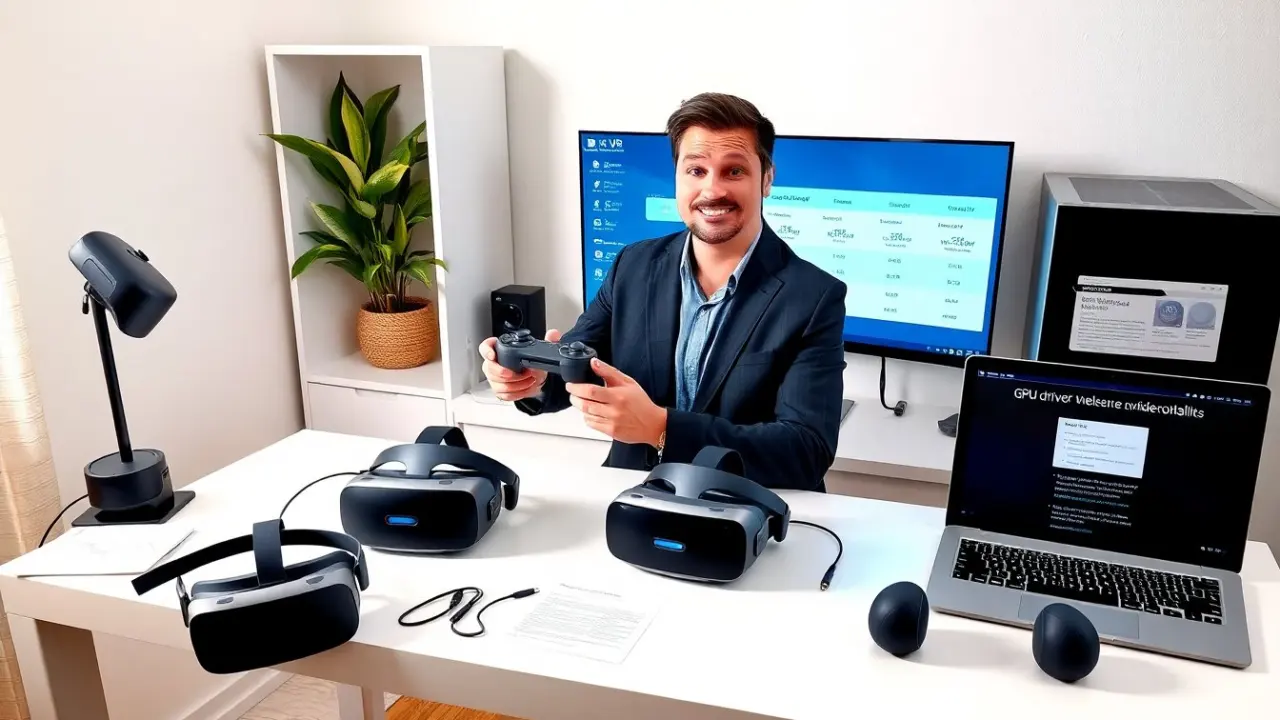
The best budget VR headset for PC gives strong performance without a high price. This guide lists top affordable options for 2026 and explains what buyers must check. It helps readers compare display, tracking, comfort, and PC requirements. The goal is to help them pick the best budget VR headset for PC that fits their hardware and play style.
Key Takeaways
- The best budget VR headset for PC balances strong performance, comfort, and compatibility to fit your hardware and play style.
- Look for high resolution, a 90–120 Hz refresh rate, and wide field of view for immersive VR experiences on a budget.
- Inside-out tracking suits room-scale casual play, while external tracking offers precision ideal for competitive gaming and simulations.
- Consider comfort features like lightweight design, adjustable IPD, and padded straps to enhance longer VR sessions.
- Check minimum GPU and PC port requirements, and favor headsets with SteamVR support for the widest game library.
- Optimize your setup by updating drivers, adjusting graphics settings, and using seasonal sales or refurbished models to save money.
What To Look For In A Budget PC VR Headset (Performance, Comfort, And Compatibility)
Performance matters. The buyer should check resolution, refresh rate, and field of view. Higher resolution reduces visible pixels. A 90–120 Hz refresh rate keeps motion smooth. A wider field of view gives better immersion.
When evaluating displays, look beyond the headline numbers: lens design, sweet spot size, and whether the headset supports software tuning (IPD and per-eye offset) can make the same resolution look noticeably better or worse in real use. Many budget headsets include software supersampling or per-app settings that help balance clarity and frame rate on mid-range GPUs.
Tracking must match use. Inside-out tracking uses cameras on the headset. It suits room-scale play without base stations. External tracking gives higher precision for simulation and competitive games.
Consider controller quality and ecosystem as part of tracking: precise, ergonomic controllers and good controller tracking consistency will impact comfort and gameplay more than minor differences in headline specs. If you plan to use motion-intensive titles like rhythm or swordfighting games, prioritize low-latency tracking and controllers with reliable haptics.
Comfort affects session length. Light headsets with padded straps reduce neck strain. Adjustable interpupillary distance (IPD) helps users see a clear image. Removable face pads help hygiene and fit.
Also evaluate balance and ventilation. A well-balanced headset reduces perceived weight on the face, and breathable face foam reduces lens fogging in longer sessions. Swappable head straps, counterweights, or third-party comfort mods are common upgrades and can be factored into cost comparisons.
Compatibility reduces frustration. The buyer should check Windows version and GPU requirements. Many headsets list a minimum GPU such as an NVIDIA GTX 1660 or AMD equivalent. USB and DisplayPort or USB-C video inputs can matter. The buyer should confirm available ports on their PC.
Beyond raw ports and GPU, check CPU, RAM, and storage recommendations: some VR titles stream or cache assets and benefit from faster storage and more CPU cores. Also review headset firmware update procedures and driver support—a headset with active firmware updates and a clear support channel will stay compatible longer with PC OS updates.
Content library and store support matter. Some headsets use SteamVR and support many titles. Others rely on a proprietary store. SteamVR compatibility widens available games and apps.
Investigate platform features too: cloud streaming, developer tools, and community-supported ports can extend headset value. If a headset supports SteamVR OpenXR, it will generally work with the largest catalog of PC VR software and third-party utility tools.
Price and warranty matter. The buyer must weigh included accessories such as controllers and link cables. A good warranty protects against early failures. They should look for user reviews that report build quality and long-term comfort.
Factor total cost of ownership into the decision: included cabling, optional wireless adapters, replacement face foam, and potential purchases like base stations or a better strap all add up. A slightly pricier unit that includes key accessories may be the better budget choice overall.
Top 3 Budget VR Headsets For PC—Strengths, Drawbacks, And Best Use Cases
- Headset A (affordable tethered option)
- Strengths: Headset A gives solid display and reliable inside-out tracking. It ships with tracked controllers and a comfortable strap. It offers wide SteamVR support.
- Drawbacks: The lenses show glare in bright rooms. The included cable limits freedom compared with wireless adapters.
- Best use case: Gamers who want high frame rates on a budget. It fits users with mid-range GPUs.
- Headset B (value all-in-one with PC link)
- Strengths: Headset B runs standalone apps and links to PC via USB-C. It gives good battery life and a light fit. It often undercuts competitors on price.
- Drawbacks: The PC link can reduce image quality. The internal processor limits heavy PC titles unless tethered.
- Best use case: Casual users who want portable VR and occasional PC play.
- Headset C (wireless-ready third-party)
- Strengths: Headset C supports third-party wireless adapters and uses SteamVR. It offers high refresh rates and precise external-tracking options.
- Drawbacks: Users may pay extra for the wireless kit and base stations. Setup takes more time than inside-out models.
- Best use case: Sim racers and flight sim fans who need low latency and full-room tracking.
Across all three, the best budget VR headset for PC appears when the buyer matches headset strengths to their primary use. They should compare prices, check for seasonal deals, and read reports on driver support.
To help narrow choices: make a short checklist that ranks your priorities (graphics fidelity, tracking precision, comfort, portability). Then compare that checklist with what each headset emphasizes. For example, if you value the widest Steam library and easy PC setup, favor devices with built-in SteamVR support. If comfort and long sessions are the priority, a slightly heavier but better-balanced headset with replaceable face foam can be preferable even on a budget.
Another practical step is to read community threads and watch hands-on videos that demonstrate real-world comfort and tracking in the types of games you play. Headline specs rarely convey how a headset feels after an hour; community feedback on pad materials, strap stiffness, and controller ergonomics is invaluable.
How To Set Up, Optimize, And Save Money On A PC VR Experience
Set up systematically. The user should update Windows and GPU drivers first. They should install Steam and SteamVR if the headset uses that platform. The software often prompts for base calibration.
Step-by-step setup tips: connect the headset to a known working port, complete firmware updates before first use, follow the guided room setup for clear boundaries, and perform a visual IPD and lens sharpness adjustment during calibration. If the headset supports it, run the built-in headset and controller firmware updater immediately after pairing.
Optimize graphics next. The buyer should lower supersampling before dropping resolution. Reducing shadows and post-processing yields big frame-rate gains. They should enable ASW or motion smoothing if the headset supports it.
Beyond basic settings, use in-game performance overlays or SteamVR’s performance tools to identify CPU vs GPU bottlenecks. If GPU is limiting, prioritize render resolution and anti-aliasing reductions; if CPU is the bottleneck, close background apps and consider lowering physics or crowd-detail settings in demanding titles.
Tweak tracking and play area. The user should place tracking cameras away from direct sunlight. They should clear the play area of obstacles and mark boundaries. Good lighting improves inside-out tracking.
If tracking stutters, try recalibrating guardian boundaries, cleaning camera lenses on the headset, and ensuring windows aren’t causing IR interference. For external tracking systems, confirm base stations are angled to overlap coverage and are mounted securely.
Save money on accessories. The buyer can reuse a quality USB-C cable if it supports data and video. They can buy third-party face pads that cost less than OEM parts. They can choose open-source or community tools for controller remapping instead of paid utilities.
Additional money-saving strategies: wait for holiday sales, set price alerts on major retailers, consider manufacturer refurbished units with warranty, and evaluate bundle deals that include games or accessories. For long-term savings, invest in a single high-quality cable and a comfortable strap early—small comfort upgrades often cost less than replacing a headset later.
Buy used or refurbished with caution. The user should verify seller return policies and headset condition. They should test lenses, tracking, and controllers within any return window.
When inspecting used units: look for signs of heavy sweat damage or lens scratches, ask for photos of serial numbers (to verify models), and confirm whether the unit has had repairs. If possible, meet locally to test the headset on your PC before purchase.
Use bundled game sales to add value. Many stores bundle games during sales. The buyer should watch seasonal events on Steam and third-party retailers to get more content for less.
Which Budget VR Headset To Buy Based On Your Needs (Gaming, Simulation, Or Casual Use)
For competitive gaming, the buyer should pick a headset with high refresh rate and tight tracking. A headset that supports external tracking or shows consistent inside-out results works best. They should prioritize low latency and clear optics.
Also look for headsets with proven low-latency software pipelines and good controller ergonomics for fast inputs. If you play fast-paced shooters or rhythm games, prioritize consistent frame delivery and low motion-to-photon latency over slightly higher resolution.
For simulation, the buyer should choose tracking precision and comfort. A headset that supports base stations and wide field of view fits flight sims and racing. The buyer should budget for better straps and a wireless kit if they want cable freedom.
Sim fans should also check cockpit fit: how the headset interacts with yokes, joysticks, and VR dashboard overlays. Extended sessions demand comfortable face foam and effective cooling or anti-fog strategies; consider aftermarket comfort mods earlier rather than later.
For casual use, the buyer should pick a light headset with simple setup. Standalone-capable models that link to PC provide flexibility. For casual users, battery life and comfort matter more than peak specs.
Casual users benefit from headsets that launch quickly, have simple guardian setups, and pair easily with smartphones or store accounts. Consider whether bundled content or social VR features matter—many casual players get more value from a smooth, hassle-free experience than from peak technical specs.
Final buying advice: The buyer should list their top three priorities, check required PC specs, and compare real-world reviews. They should factor in total cost, including cables, adapters, and optional tracking kits. That approach finds the best budget VR headset for PC for their needs.