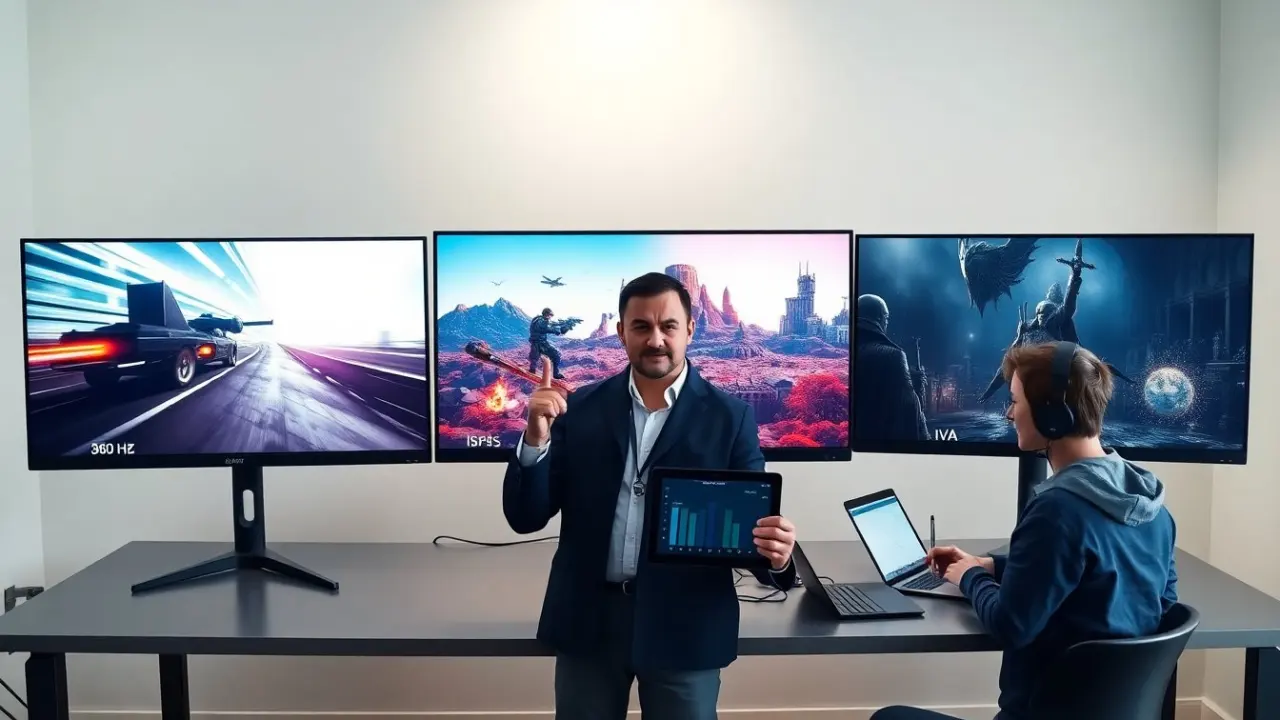
The best monitor panel type for gaming matters for frame clarity, color, and response. This guide compares TN, IPS, and VA panels. It shows which panel fits a given gaming style. Readers get clear criteria to choose a panel that suits speed, color, or contrast.
Key Takeaways
- The best monitor panel type for gaming depends on play style: TN for speed, IPS for color, and VA for contrast.
- TN panels offer the fastest response and lowest input lag, ideal for competitive FPS players and esports.
- IPS panels provide better color accuracy and wider viewing angles, perfect for streamers and AAA single-player games.
- VA panels deliver superior contrast and deep blacks, enhancing immersion in story-driven and dark-scene games.
- Gamers should balance refresh rate, response time, input lag, and color needs when choosing the best monitor panel type for gaming.
- Adaptive sync technologies like G-Sync or FreeSync improve visual experience across all panel types.
Quick Answer: The Best Panel Type For Different Gaming Styles
For competitive FPS players, the best monitor panel type for gaming is usually TN. TN panels deliver the fastest response and the lowest input lag. For streamers and AAA single-player fans, the best monitor panel type for gaming is often IPS. IPS panels give wider viewing angles and stronger color accuracy. For players who value deep blacks and contrast in story games, the best monitor panel type for gaming is commonly VA. VA panels give higher static contrast and better dark-scene detail. Each panel type trades one strength for another. The buyer should match the panel type to play style.
TN (Twisted Nematic) Panels: Speed-Focused Choice
TN panels prioritize refresh and response. Gamers often pick TN for high-frame-rate play and esports. TN panels reach very low gray-to-gray response times. They often cost less at very high refresh rates. TN panels show narrower viewing angles and weaker color compared to IPS. Manufacturers tune TN panels for minimal input lag and fast pixel changes. For a tournament player, the best monitor panel type for gaming will often be TN. Casual players who value color may find TN limiting.
TN Panels — Key Performance Specs To Check
Check refresh rate, response time, and input lag for TN panels. A 240 Hz or 360 Hz refresh rate suits competitive FPS. Aim for gray-to-gray response below 4 ms for visible ghosting reduction. Measure input lag when possible: top TN monitors sit under 5 ms total lag. Look for adaptive sync like G-Sync or FreeSync to avoid tearing. Verify factory color calibration if color matters. Expect TN panels to show color shift when viewed off-angle. Balance price, speed, and any color compromises before buying.
IPS (In-Plane Switching) Panels: Color And Viewing-Angle Champion
IPS panels deliver accurate color and stable viewing angles. Content creators and single-player fans often choose IPS for vivid visuals. Modern IPS panels also reach high refresh rates like 240 Hz. IPS panels usually show better gamma consistency and wider color gamuts. IPS panels can show slight glow in dark scenes and slower pixel transitions than TN. Manufacturers improve IPS response with faster overdrive modes. For those who stream, edit, or enjoy cinematic games, IPS often stands as the best monitor panel type for gaming.
When To Choose IPS For Gaming (And When To Avoid It)
Choose IPS when color accuracy and viewing angle matter. Pick IPS for content creation, streaming, or cooperative couch play. Choose high-refresh IPS for a balance of speed and color. Avoid IPS when the player needs absolute top-tier response at any cost. Avoid IPS for pure tournament play if every millisecond matters. Consider HDR support and local dimming for better dark scenes. Match IPS features to play style and budget before deciding.
VA (Vertical Alignment) Panels: Best For Contrast And Dark-Scene Detail
VA panels offer strong static contrast and deep blacks. Story-driven and horror game fans often prefer VA for richer dark scenes. VA panels show higher contrast ratios than IPS or TN. This contrast helps reveal detail in shadowed areas. VA panels can reach decent refresh rates for general play. VA panels sometimes show slower pixel transitions and black smear in fast motion. Gamers who value cinematic visuals will find VA to be the best monitor panel type for gaming in many single-player cases.
When VA Makes Sense For Gamers (And Its Trade-Offs)
Choose VA when contrast and immersion matter more than top response. Pick VA for single-player RPGs, racing games, and titles with dark environments. Expect some motion blur and black smearing in very fast scenes. Look for VA panels with good overdrive features and a high native refresh rate to reduce blur. Consider monitor size and viewing distance: VA contrast works better on larger screens. If a gamer competes in esports, VA often does not match TN or high-end IPS for raw speed.