Is a 27 inch monitor good for gaming is the question many buyers ask first. The user wants a clear answer and practical criteria. This guide gives a direct verdict, explains size versus resolution, and lists key performance specs. The reader will learn when a 27-inch monitor fits competitive play, creative work, or single-player gaming, plus concrete trade-offs to consider when choosing panels, resolutions, and refresh rates for different budgets and setups.
Key Takeaways
- A 27 inch monitor is a highly versatile choice for gaming, striking a balance between screen space and pixel density that works well for most desk setups and viewing distances.
- For competitive esports, a 27 inch monitor with 1080p or 1440p resolution and a high refresh rate (144Hz or 240Hz) provides smoother motion and lower perceived input lag compared with lower refresh displays.
- For creative work and detailed visuals, 1440p or 4K on a 27 inch monitor delivers the pixel density needed for accurate image editing and fine detail without large UI scaling—just be mindful of the GPU load at higher resolutions.
- Sitting roughly 24 to 36 inches (60–90 cm) from a 27 inch monitor generally maximizes clarity and comfort; closer distances make 1080p look less sharp while 4K remains crisp.
- Adaptive sync (FreeSync/G-Sync), good panel uniformity, and low frame-pacing variance are important on a 27 inch monitor to reduce tearing, stutter, and visible frame-time jumps during gameplay.
Quick Verdict: Who Benefits Most From A 27-Inch Gaming Monitor
Short answer: yes— a 27 inch monitor is good for gaming for a wide range of players. It is large enough to deliver an immersive experience in single-player titles while remaining compact enough for multi-monitor desks and smaller workspaces. The model you pick should reflect your priorities: competitive gamers will prioritize higher refresh rates and lower resolutions to chase very high frame rates, while content creators and immersion-focused players will prioritize resolution and color fidelity. For many users the 27 inch size hits the sweet spot: comfortable field of view, good pixel density at 1440p, and a reasonable price-to-performance ratio across panel types (IPS, VA, TN). Consider ergonomics (height, tilt, swivel) and your GPU capability when deciding whether a 27 inch monitor is the right choice for your specific needs.
Size, Resolution, And Viewing Distance: Why 27 Inches Hits A Sweet Spot
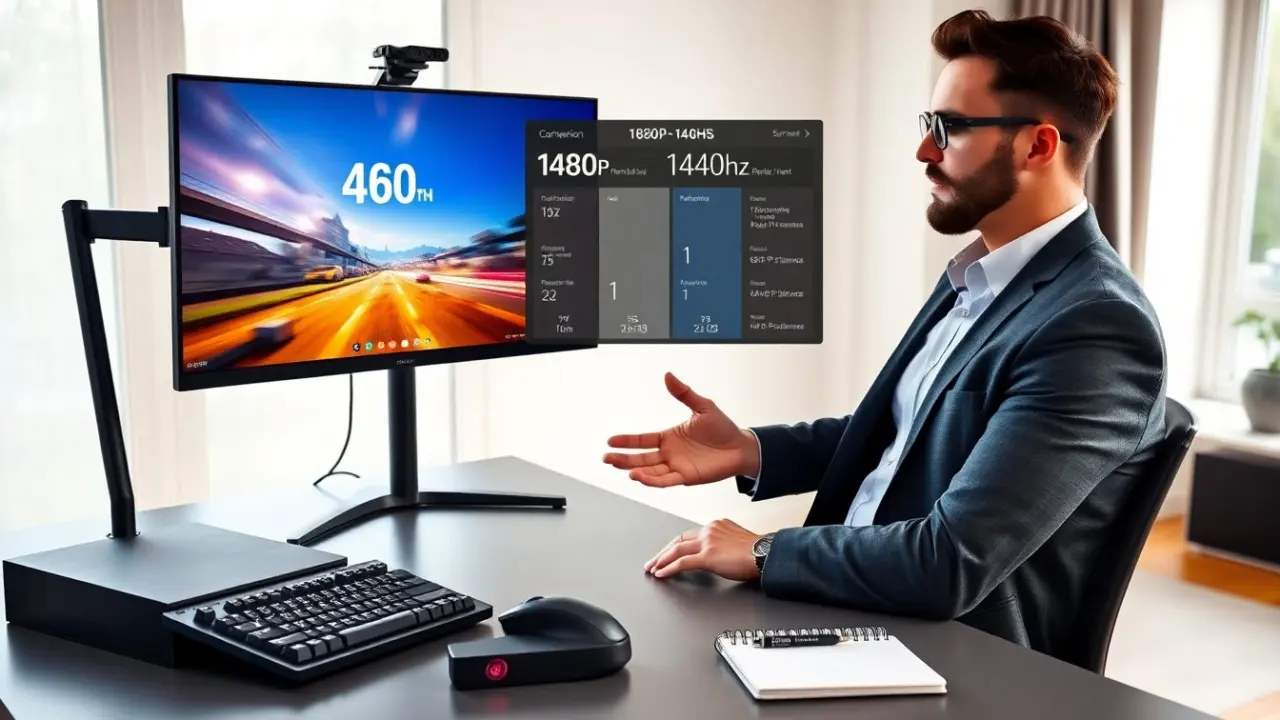
A 27-inch monitor balances physical size and pixel density in a way that suits typical desktop setups. At 1440p (2560×1440) a 27 inch display achieves a pixel density that keeps text, HUDs, and menus crisp without aggressive UI scaling. This makes 1440p the most popular pairing for 27 inch gaming monitors: it offers a visible step up from 1080p in clarity, while being much less demanding on a GPU than 4K. A 27 inch 4K monitor further tightens detail, useful for photo/video editing and for players who want the sharpest image possible, but it requires a significantly more powerful GPU to maintain high frame rates. Conversely, a 27 inch 1080p monitor is a common competitive choice because lower resolution lets GPUs push higher refresh rates more easily; however, at close viewing distances individual pixels can be more noticeable. In practice, a viewing distance of about 24 to 36 inches balances readability and immersion for most people—closer distances emphasize pixel structure, farther distances reduce perceived detail. Factor in desk depth and whether you use multiple monitors when choosing resolution for a 27 inch screen.
Performance Specs That Matter: Refresh Rate, Response Time, And Frame Pacing
On a 27 inch monitor, raw size is only part of the story—performance specs determine how good it feels in fast games. Refresh rate (measured in Hz) controls how many times per second the panel updates; higher refresh rates like 144Hz or 240Hz make motion appear much smoother and reduce the time between frames, which competitive players find advantageous. Response time (ms) describes how quickly pixels change color; lower numbers (often marketed as 1ms) reduce ghosting, but real-world performance also depends on panel type and overdrive implementation. Frame pacing—the consistency of frame times from the GPU—matters too: uneven frame delivery causes judder even if average FPS is high. Adaptive sync (FreeSync or G-Sync) on a 27 inch monitor helps match GPU output to panel refresh rate, minimizing tearing and stutter across varied frame rates. When choosing a 27 inch screen, look beyond headline numbers: check reviews for color accuracy, input lag measurements, and tests that show how the monitor handles game-like frame-rate swings. Also consider connection options (DisplayPort for high refresh/4K, HDMI versions supported) and HDR performance if you want improved contrast and brightness in supported titles.
Use Cases: Competitive Esports, Content Creation, And Single-Player Gaming
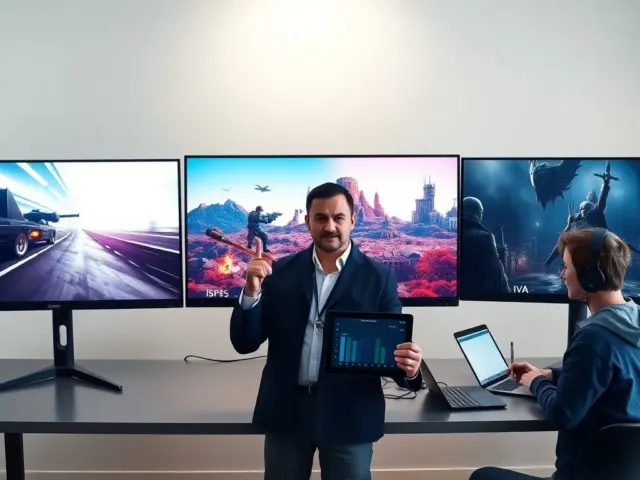
Competitive esports: Many esports players choose a 27 inch monitor for the combination of screen area and pixel clarity that still supports very high refresh rates. Typical setups favor 1080p or 1440p with 144Hz, 240Hz, or higher refresh and panels with very low input lag and fast pixel response. If your goal is maximum frame rate and minimal latency, a 27 inch 1080p or well-optimized 1440p monitor paired with a powerful GPU is sensible.
Content creation: Creators often prefer 27 inch monitors at 1440p or 4K because the increased pixel density helps with precise editing, color grading, and fine UI work. On 27 inch IPS panels you can expect better color accuracy and viewing angles compared with other panel types; pairing a monitor with hardware calibration or professional color profiles makes it more useful for photo and video work. Keep in mind that 4K on a 27 inch screen offers very small pixel pitch—excellent for detail, but sometimes requiring UI scaling for comfortable text size.
Single-player and immersion-focused gaming: For story-driven or visually rich single-player games, a 27 inch monitor at 1440p often provides the best mix of detail and performance, delivering a sharp image without the heavy GPU demands of 4K. If your priority is cinematic visuals and you have the GPU headroom, 4K on a 27 inch monitor can produce exceptionally crisp images, though some players prefer a larger screen for a wider field of view and more immersive experience.
Practical advice: match the monitor resolution and refresh rate to your GPU and the games you play—buying a high-refresh 1440p or 4K 27 inch monitor makes sense only if your system can frequently approach the panel’s refresh capability. Also consider ergonomics, adaptive sync support, HDR implementation, and port selection. Overall, a 27 inch monitor is a strong, versatile choice for gaming when chosen with these trade-offs in mind.